
Product 02 / 03 Available
Keep the Pack
Your real pack in a new AI scene, with every word, the artwork and the barcode put back from your own pack shot.
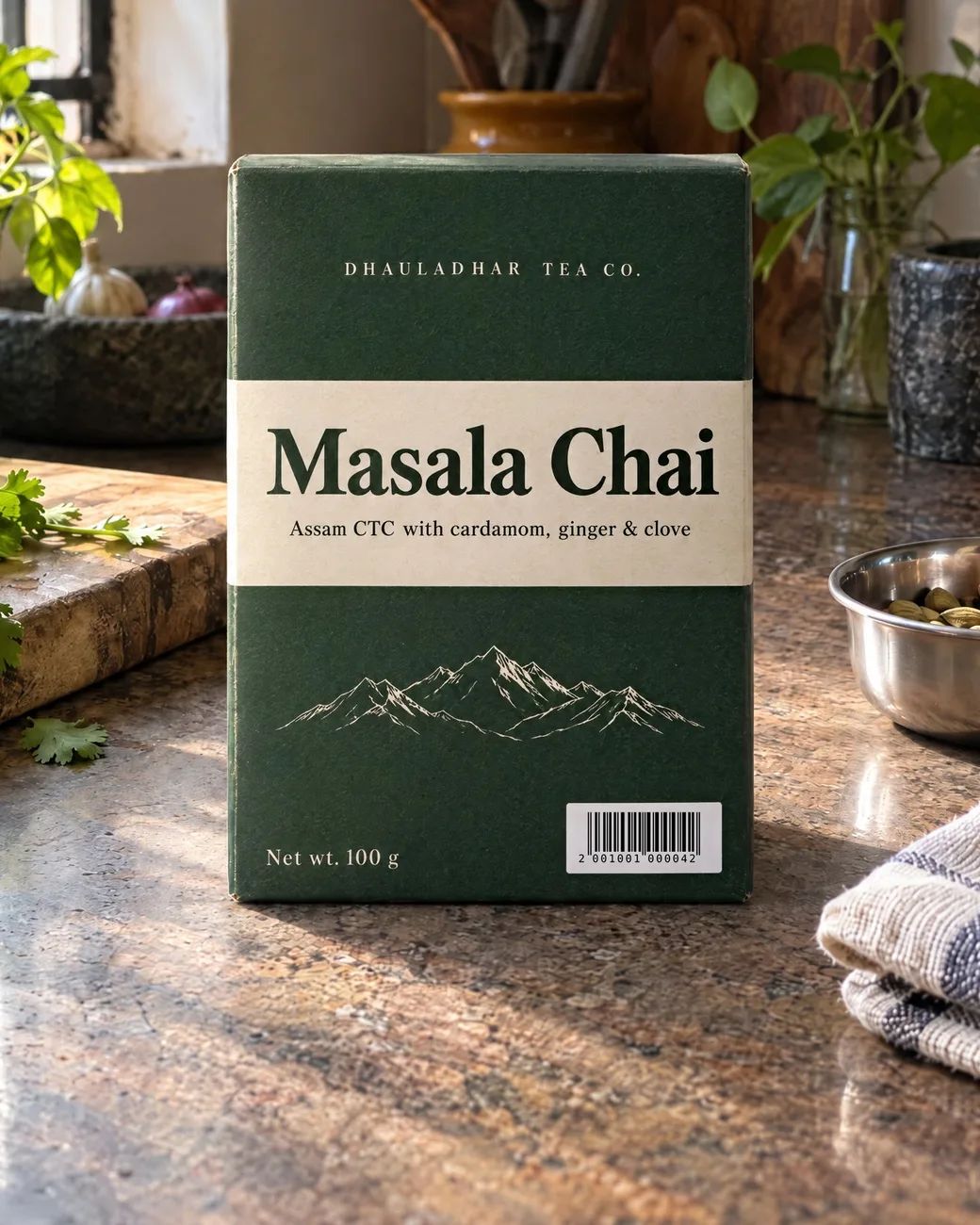
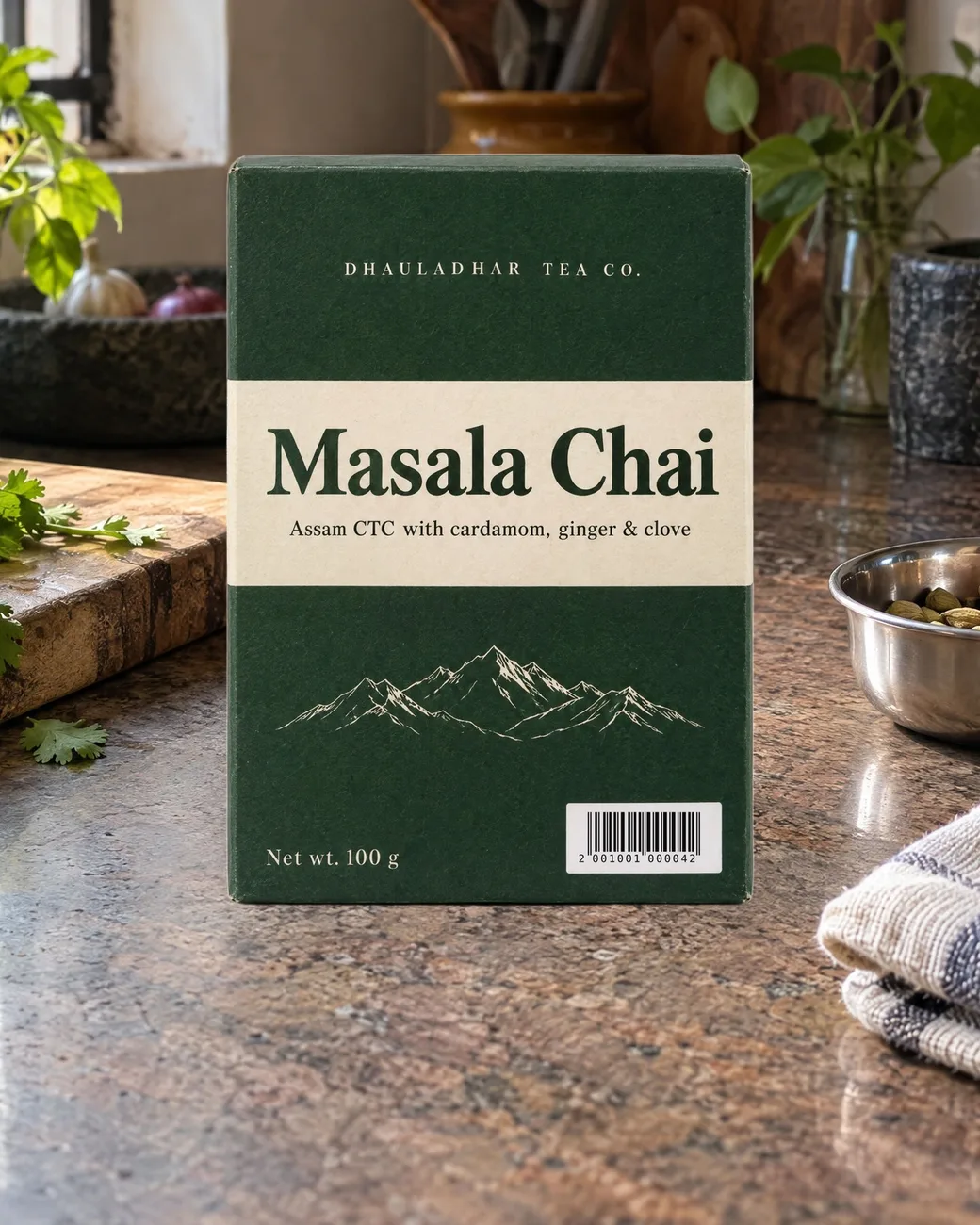
Drag to compare
Place, relight, lock: AI product photos that keep your real pack
Ask an AI image model to put your product in a kitchen and it redraws your pack. In our tests the carton gained a side panel and new artwork, the can changed shape, and the barcode stopped scanning. Keep the Pack does it the other way round.
You paste your real pack shot into the scene. One tested relight prompt in GPT Image edit mode adds the light, the contact shadow and the reflections, and leaves the pack where you put it. Then Label Lock, a free tool that runs in your browser, puts your original printing back on top: every word, the artwork and the barcode, pixel for pixel, in the new light.
Keep the Pack is the method, not the tools. The relight is one GPT Image edit, about $0.12 an image at 2K on FLORA (October 2026). A background cut-out costs $0.002 there, pasting is free in Photopea, and Label Lock is free. No tool credits are included.
What happens when you just ask the AI
In the first test, GPT Image was given the pack shot and the kitchen and asked to put the box in the empty spot, unchanged. It redrew the box. Keep the Pack pastes your real pack in, relights it, and puts your original printing back.
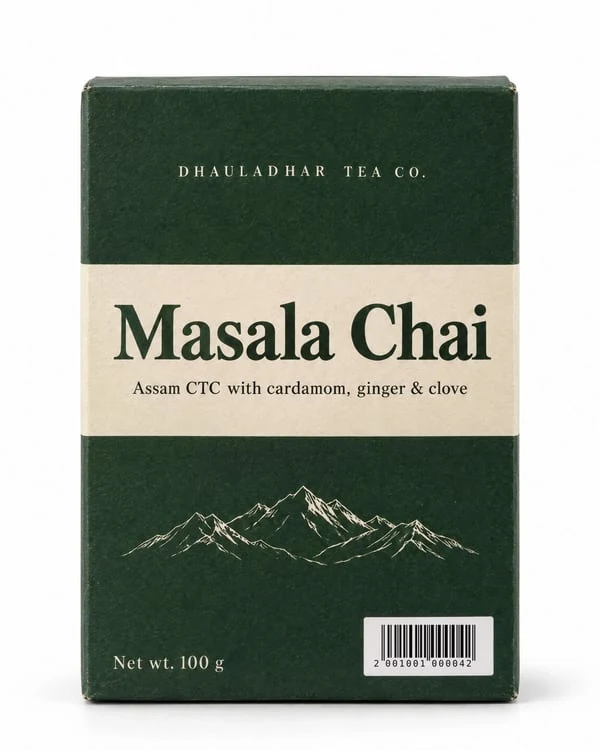
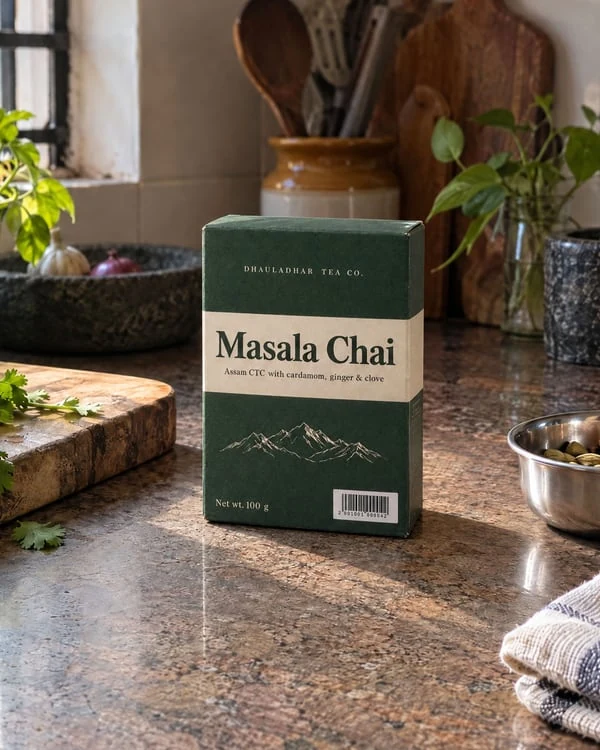
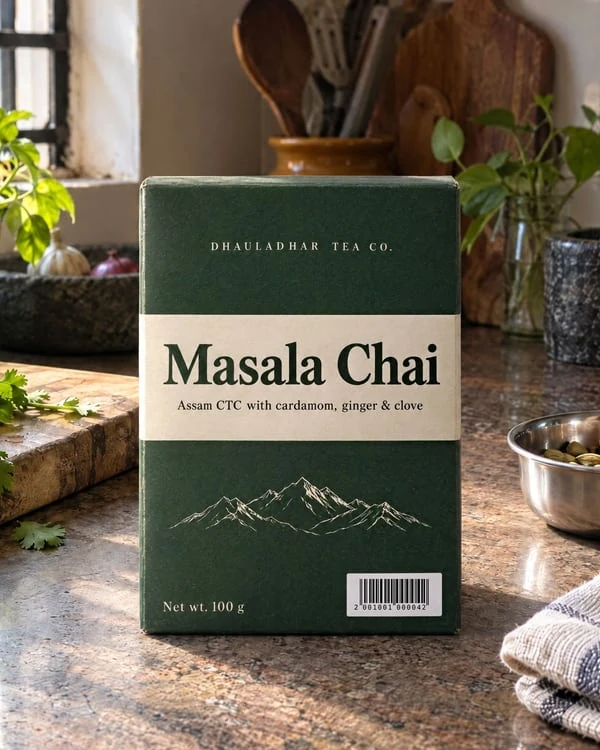
The AI’s version has a side panel the box doesn’t have, a new mountain drawing and redrawn barcode bars that no longer scan. The Keep the Pack version keeps the pack shot’s own printing, pixel for pixel, in the kitchen’s light, and its barcode scans. The carton is an invented test pack.
Why the label lock matters, up close
Drag to compare. Each before is the AI relight on its own; each after is the same image after Label Lock. The relight gets the light right and quietly redraws the finest detail.
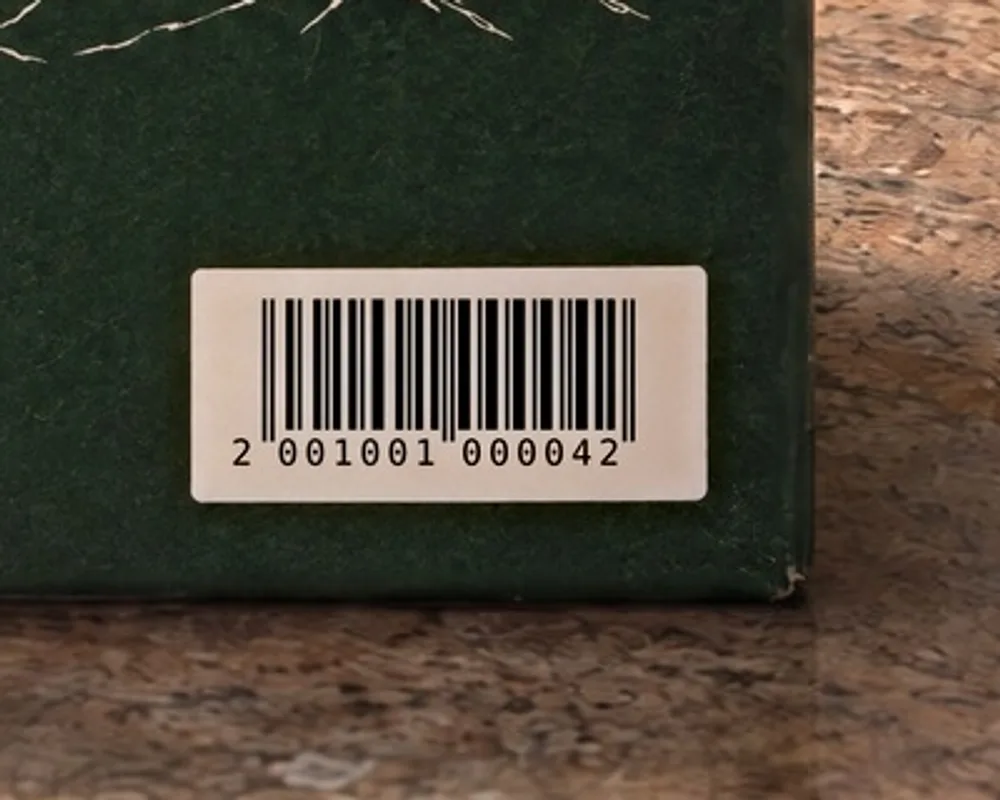
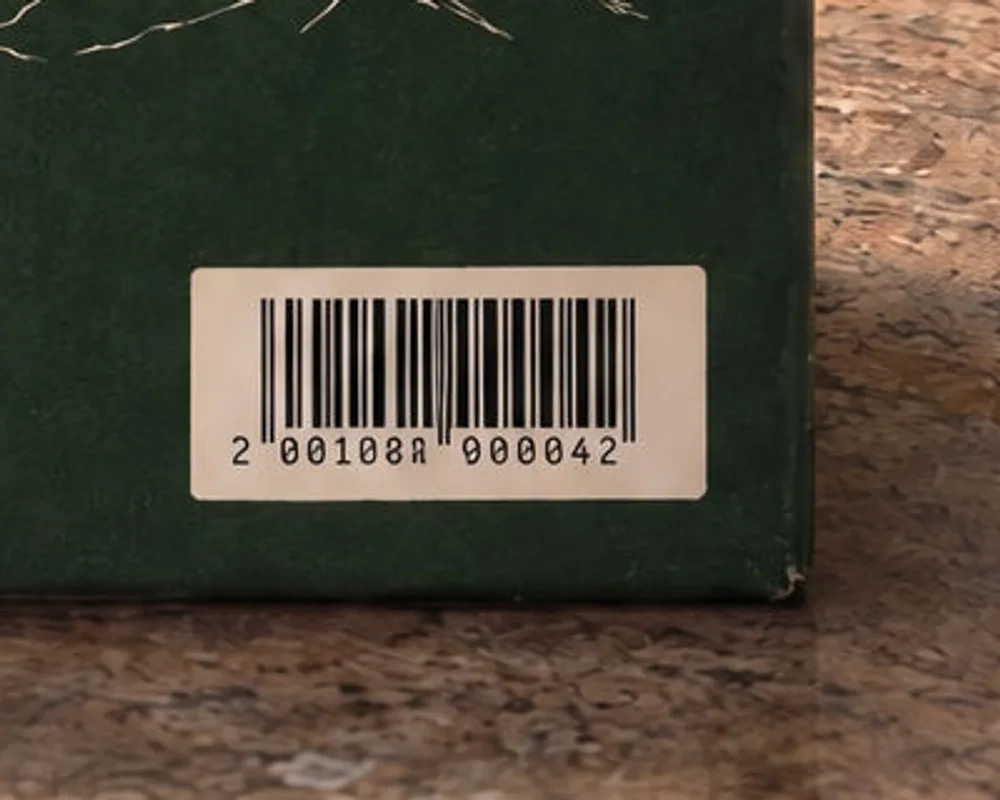
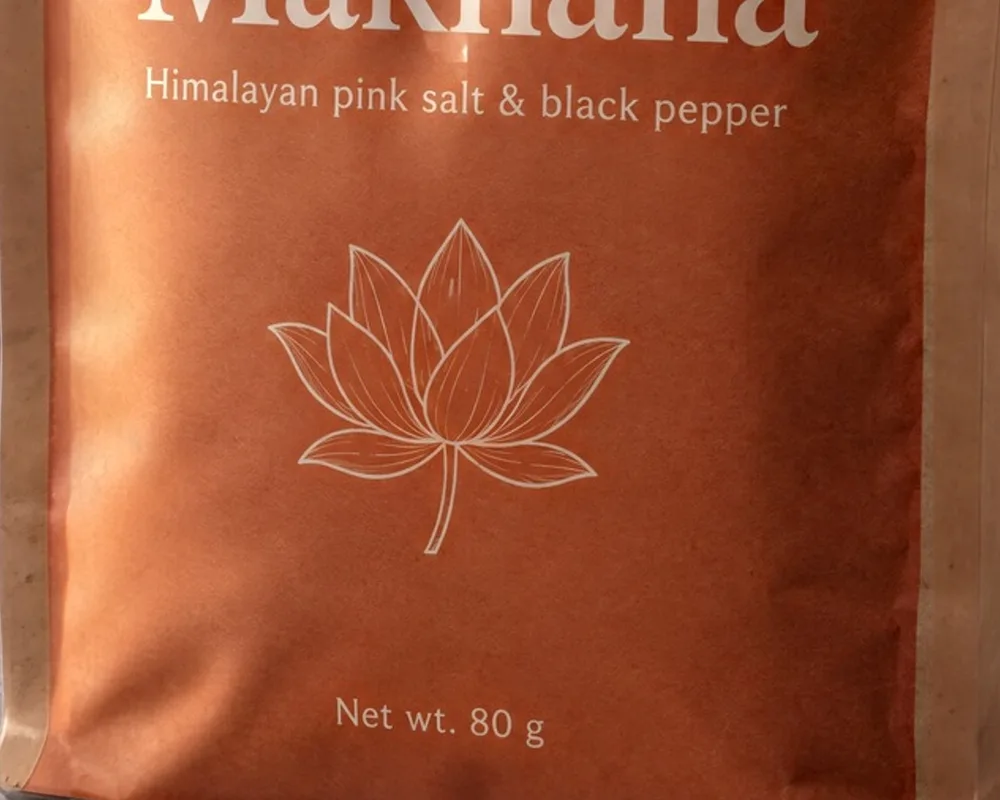
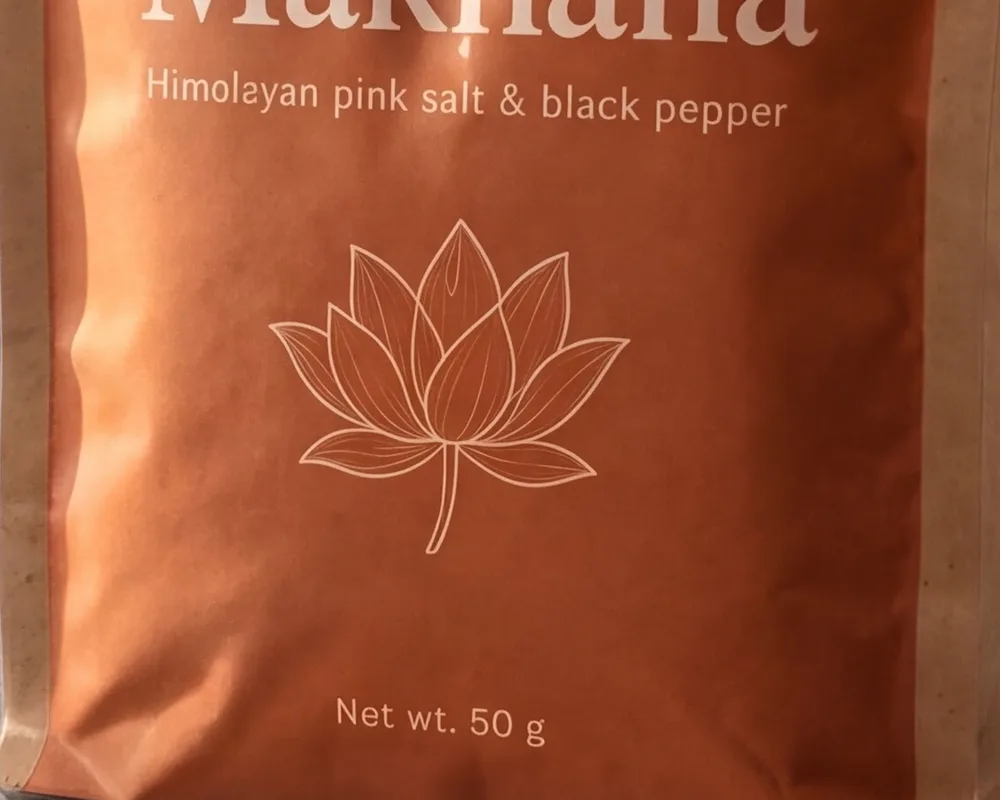
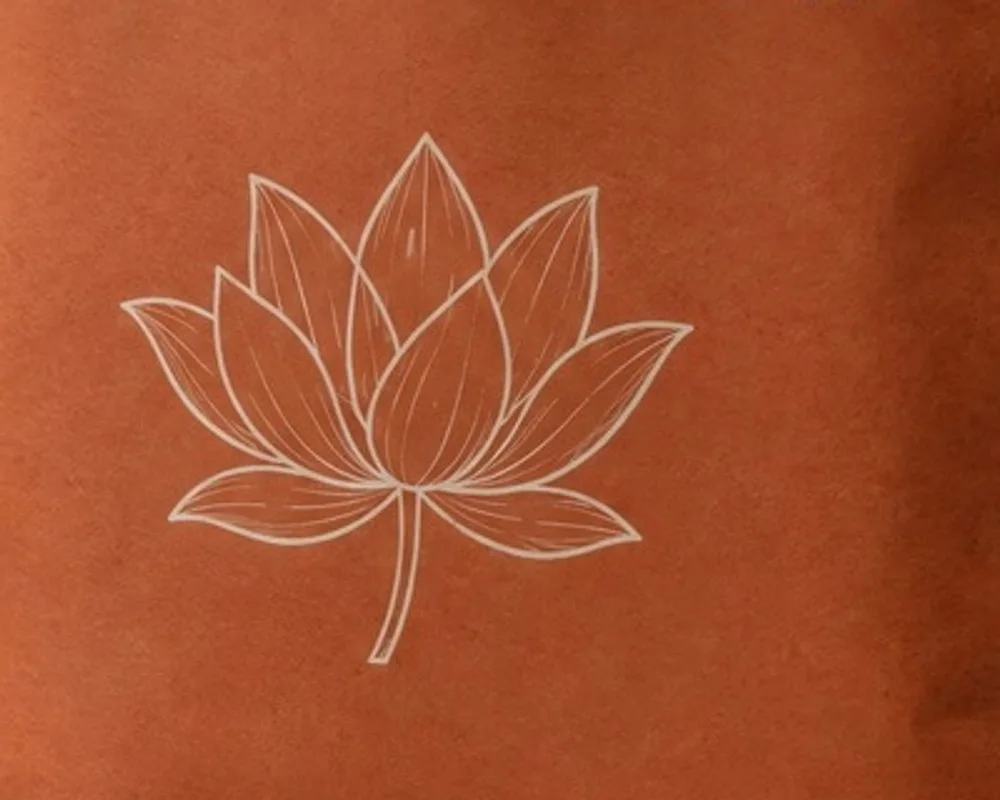
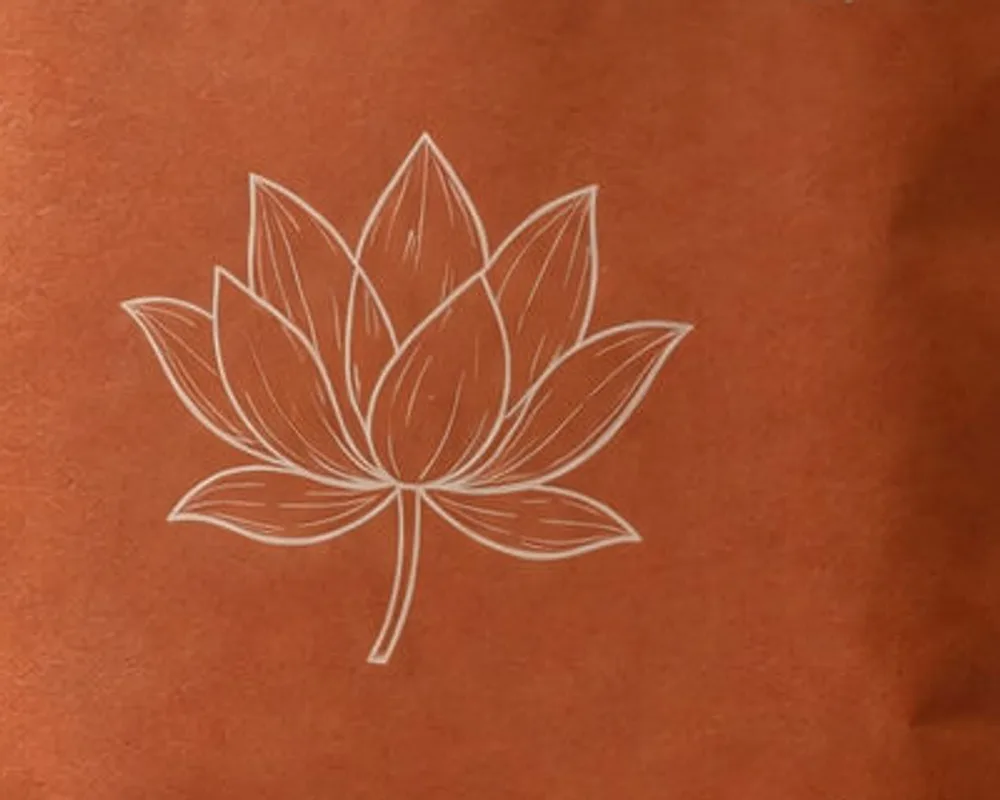
Label Lock takes the fine detail inside the boxes you draw from the image you sent to the AI, and keeps the AI’s light. Nothing outside the boxes changes. It runs in your browser; your images are never uploaded.
Label Lock is free
The last step runs in your browser at anirudhthakur.work/tools/label-lock. Try it on the sample before you buy: it loads a relit carton whose barcode the AI rewrote, and puts the real one back.
Open Label LockBefore and after: four packs, tested
Drag any image to compare. Each before is the pack pasted into the scene; each after is one relight with the block, then Label Lock.
- 15/15
- relights kept the pack where it was placed, within 1 px
- 12/12
- GPT Image relights with every word unchanged; barcodes still need the lock
- 5/5
- locked shots where the test carton’s barcode scanned
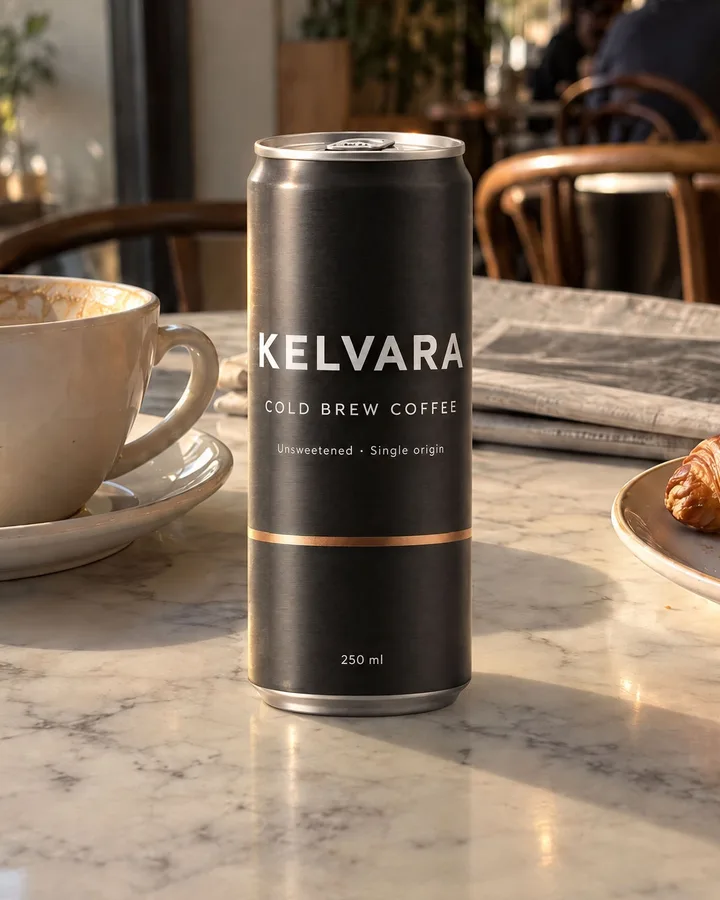
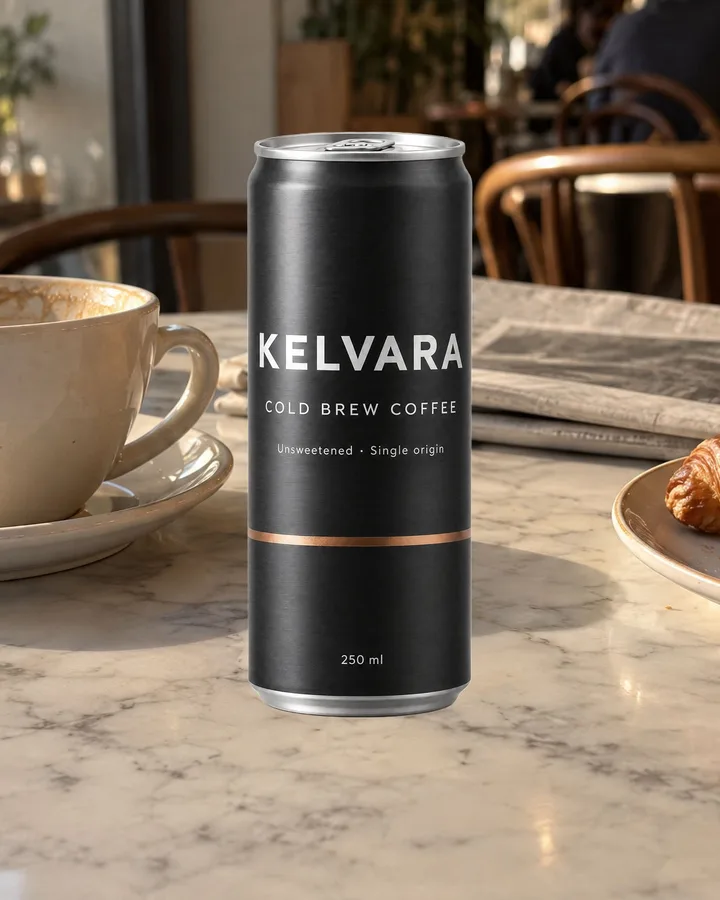
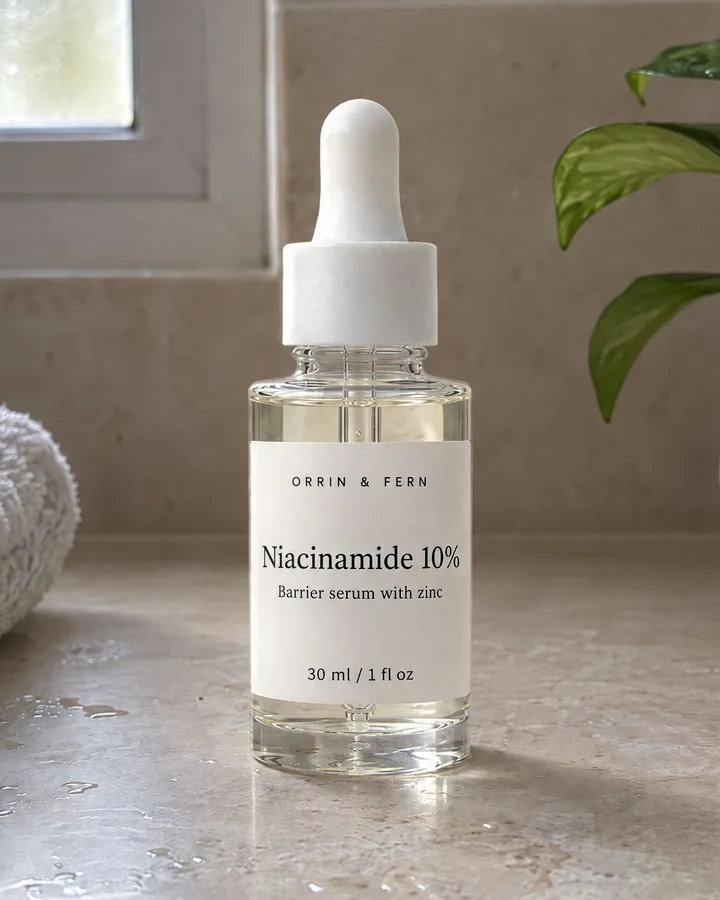
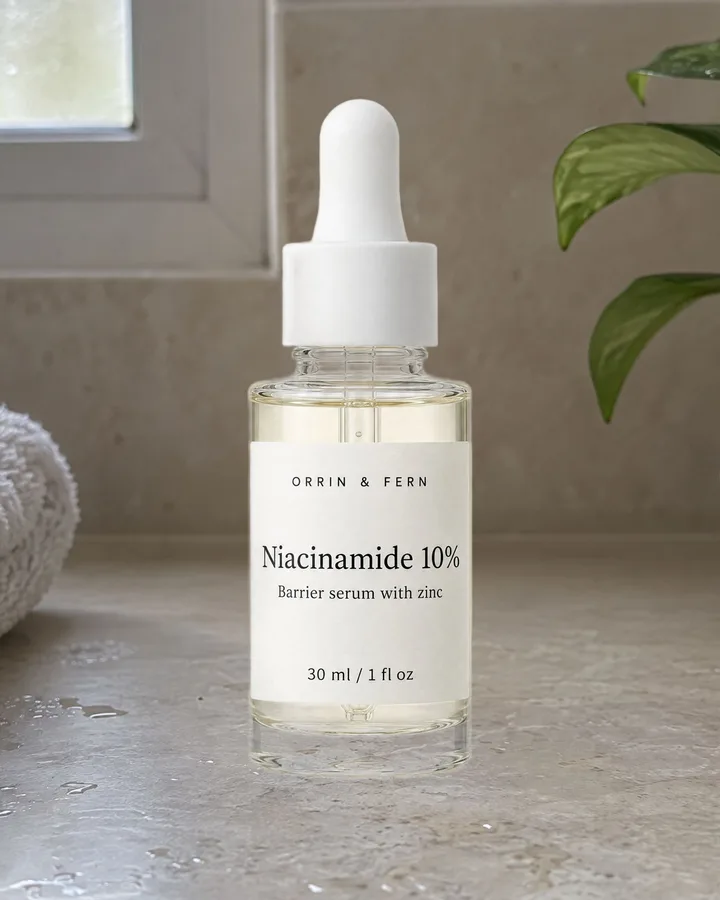
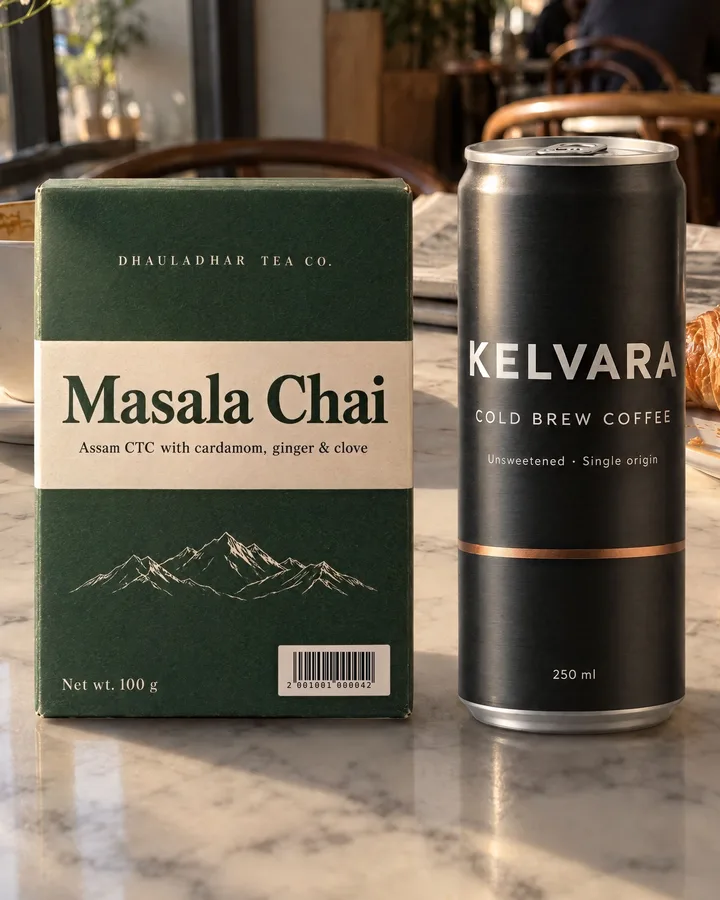
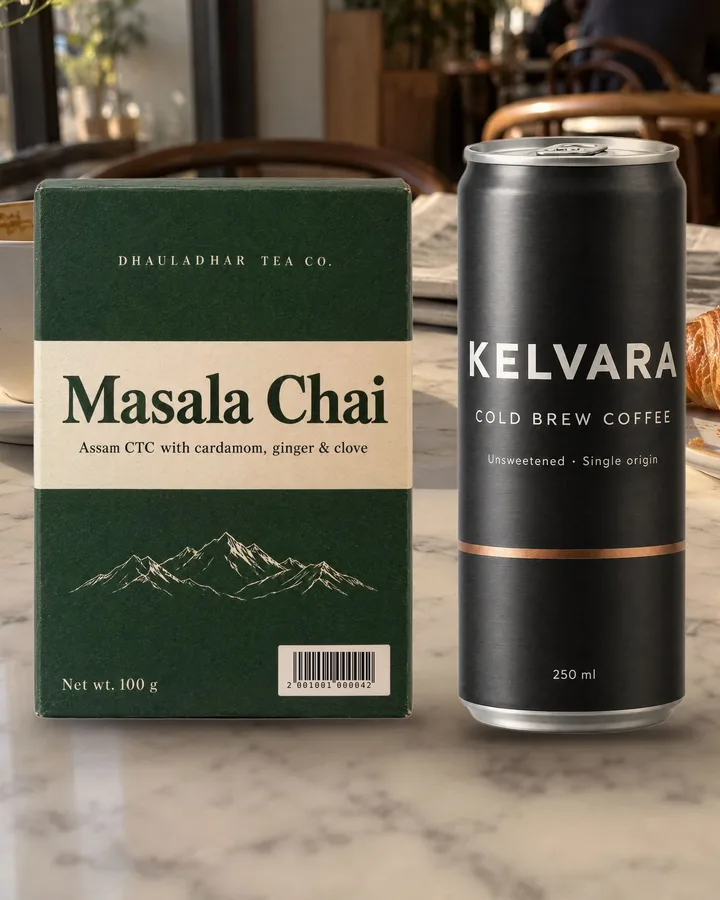
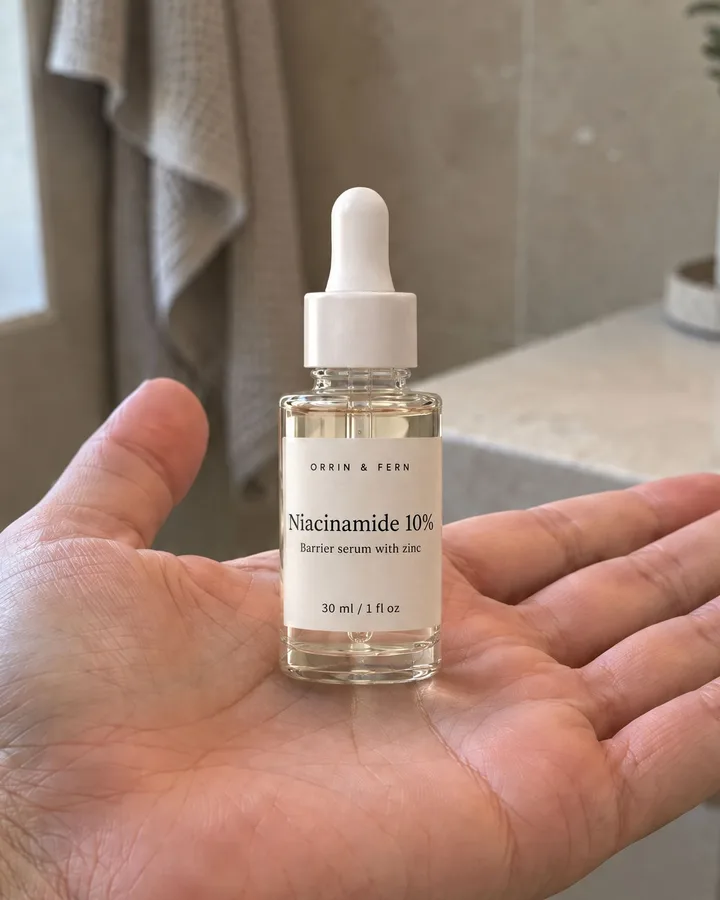
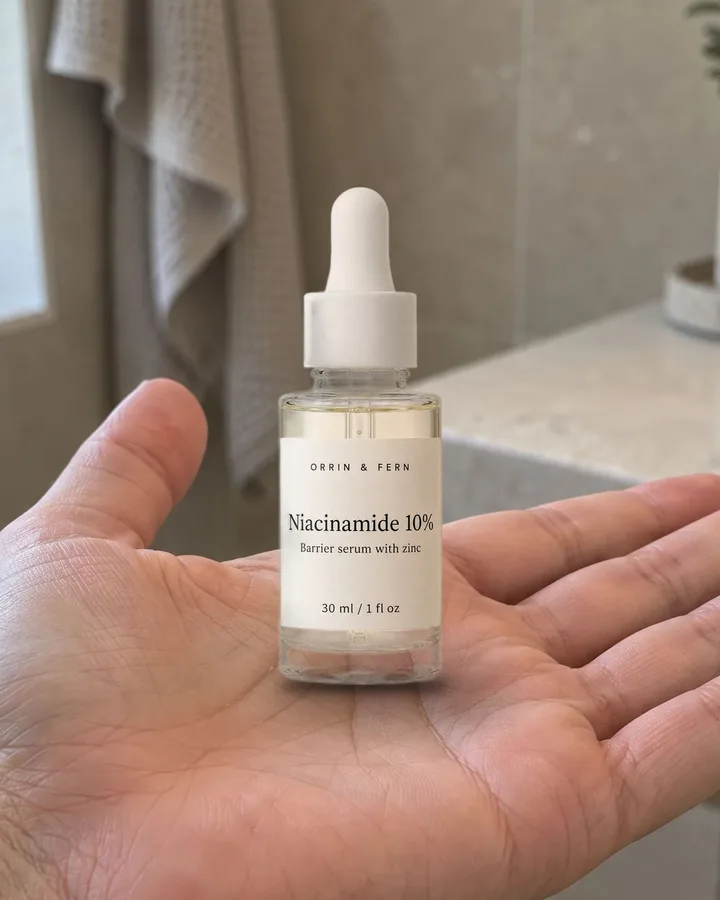
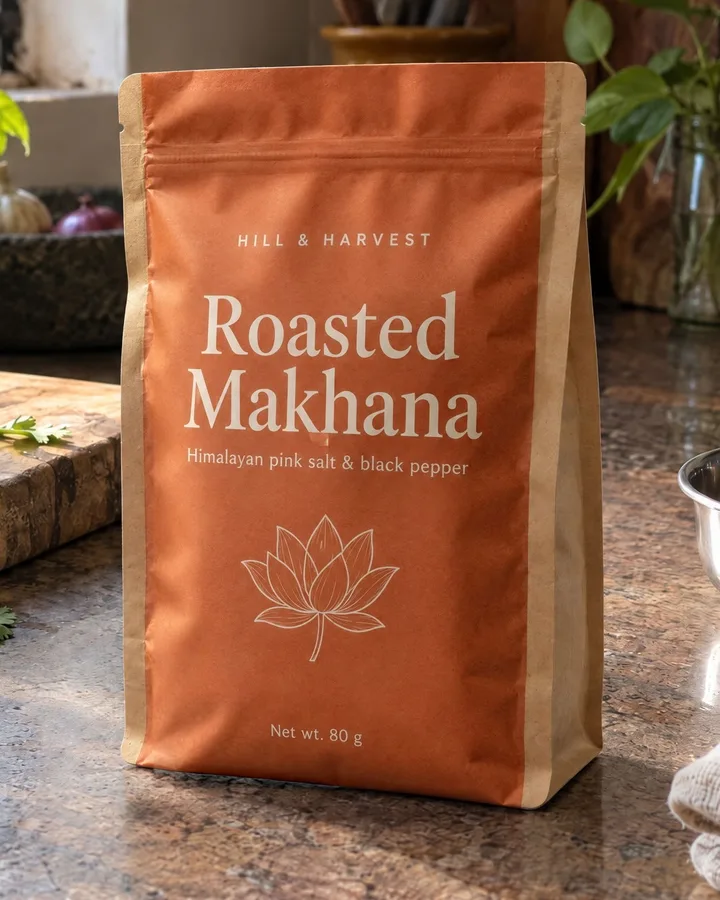
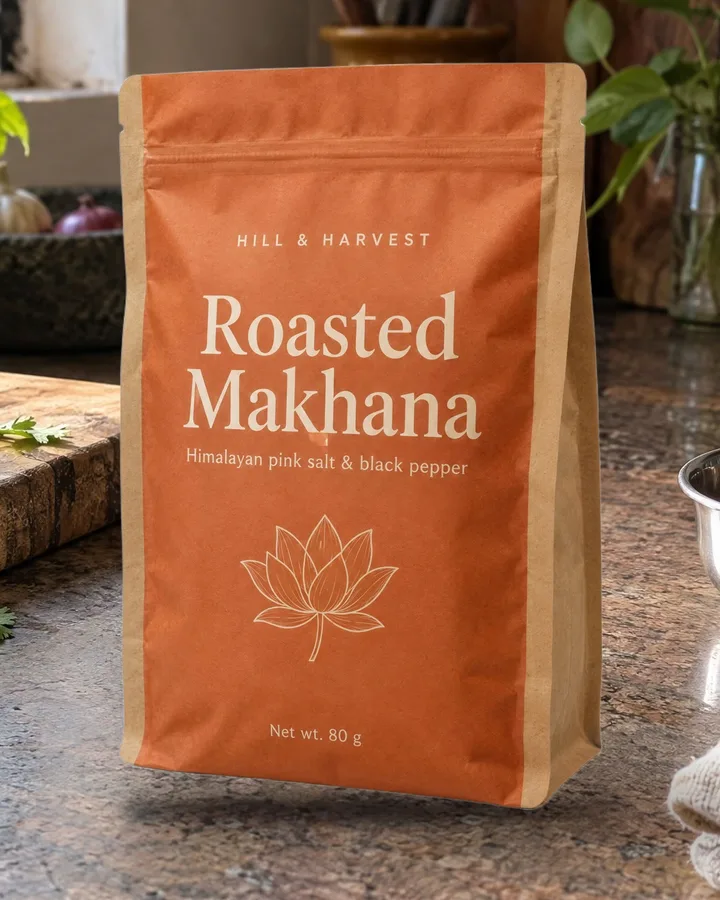
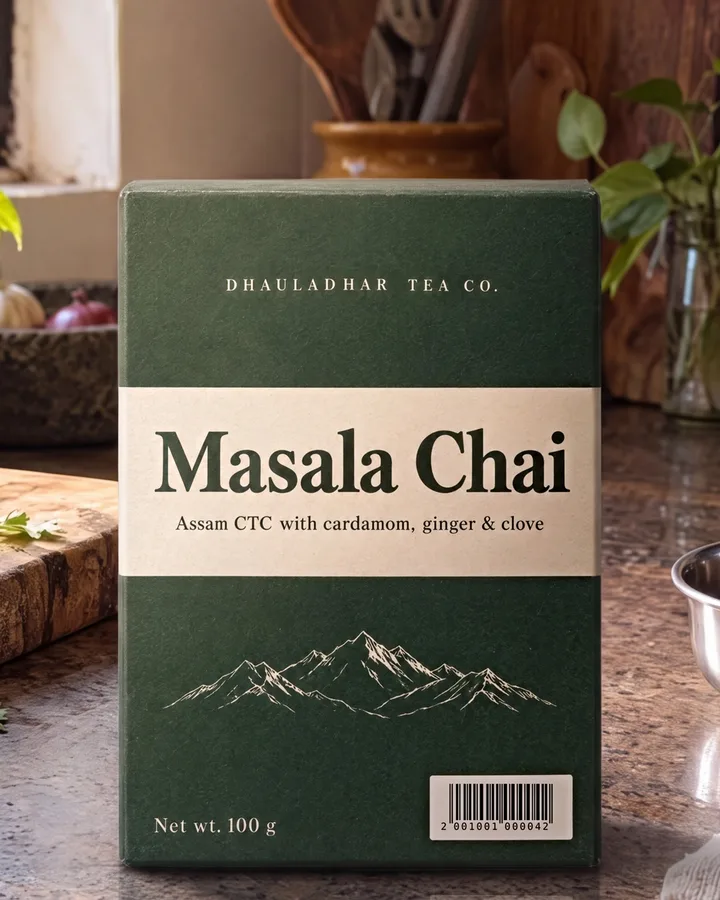
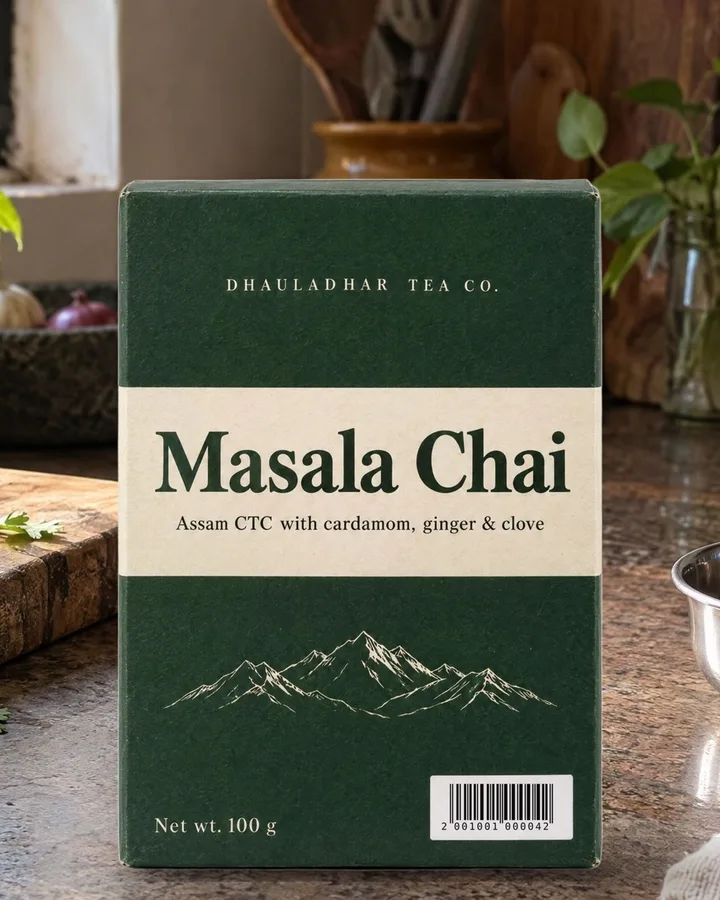
How it was tested: four invented packs (a matte carton with a real EAN-13 barcode, a black can, a clear glass serum bottle and a snack pouch shot at an angle), in four scenes, alone, as a pair and on an open hand. Fifteen relights ran: twelve on GPT Image at 2K and three on Nano Banana Pro at 4K. A result passed only if the pack stayed where it was placed, every word matched the pack shot after Label Lock, and the barcode scanned.
How it works
- Cut out your pack shot. Any background remover works; FLORA’s costs $0.002.
- Pick a scene with an empty spot for the pack, or make one with the scene prompt in the guide.
- Paste the pack in as it is, standing on the surface, at a real size. No shadow needed.
- Relight it: GPT Image edit mode, the relight block with your pack, surface and light filled in. About $0.12 at 2K on FLORA.
- Lock the label: open Label Lock, box the printed areas, download. Your original type, artwork and barcode go back on, in the new light.
Who it’s for
Freelancers, small brands and junior agency people who need lifestyle shots from one white-background pack photo, and can’t ship a redrawn label
Inside
- The relight block for GPT Image edit mode, so the light and shadow match the scene and the pack stays where you put it, with lines for card, metal, glass and pouches
- A fill-in scene prompt and four tested scenes, so the scene leaves an empty spot for your pack
- A two-pack version, for one relight with more than one product in the shot
- Label Lock, a free browser tool that puts back the words, artwork and barcode the AI redraws
- Placement rules, including how big the barcode must be to still scan
- An 18-page PDF guide with tested before-and-after results, so you can check yours against them
- A plain text file for clean copy-paste
How you get it
Pay once through a hosted checkout. The download link lands in your email within a minute, and the files are yours to keep.
Questions
Why not just ask the AI to put my product in the scene?
Because it redraws the pack. Image models rebuild every pixel of whatever you give them, so the box’s shape, the artwork, the small print and the barcode come back slightly different. In our tests, asking GPT Image to place the pack gave the carton a side panel and new artwork, changed the can’s shape, and broke the barcode. Keep the Pack keeps your pack’s own pixels.
Does the barcode still scan?
Yes, if it is big enough. After Label Lock, the test carton’s barcode scanned in all 5 finished shots. The barcode needs to end up at least about 200 px wide in the final image; below that no method will scan it. The guide shows how to size the pack for this.
Which AI tool do I need?
GPT Image in edit mode; it was tested on FLORA at 2K. Nano Banana Pro also works and gives 4K, but in testing it changed words and numbers on two of three packs, so with it you lock every printed area. Label Lock put every change back.
What is Label Lock?
A free tool on this site that runs in your browser. You give it the image you sent to the AI and the image it sent back, draw a box over each printed area, and it puts your original printing back while keeping the AI’s light. Your images are never uploaded.
Will I need to pay for anything else?
Only your usual tools. The relight is one GPT Image edit, about $0.12 an image at 2K on FLORA (October 2026). FLORA’s background remover is $0.002 a cut, Photopea is free for pasting, and Label Lock is free. Keep the Pack does not include tool credits.
Does it work on glass bottles?
Yes. A background remover makes clear glass look milky, and the relight makes it clear again, with the scene showing through. You then lock only the paper label. The serum bottle in the tests is clear glass, tried on a shelf and on an open hand.
What won’t it do?
It won’t turn your pack: the finished photo shows it at the angle of your pack shot. It can’t keep a label that fingers or another object cover, it can’t rescue a pack the AI moved or reshaped (run the relight again), and it can’t make a tiny barcode scan. If your pack shot has a typo, Keep the Pack keeps the typo.
Can I get a refund?
Yes, within 30 days, if after Label Lock a word inside your boxes doesn’t match your pack shot. Barcode scanning isn’t covered. Reply to your Gumroad receipt with your pack shot and the result. Before you buy, check “What won’t it do?” above.
What do I get, and how?
An 18-page PDF guide with every prompt, the material lines, the Label Lock steps and the tested results, plus a plain text file for clean copy-paste. You pay once through Gumroad and download straight away. Updates are free.